Download Latest Version of IPTV Smarters Pro for Android – Free Installation Guide & Features
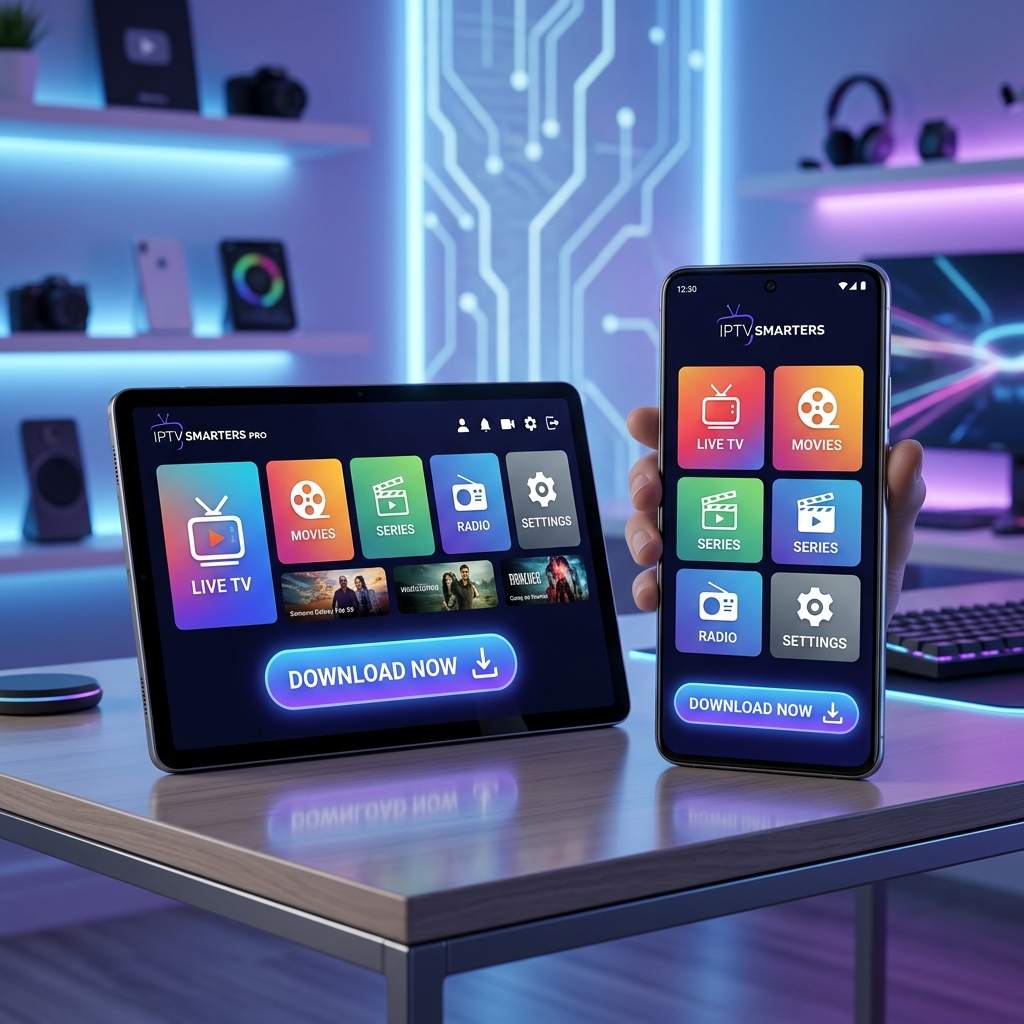
Download Latest Version of IPTV Smarters Pro for Android – Free Installation Guide & Features
For Android users looking for a reliable streaming player, IPTV Smarters Pro continues to be one of the most widely used applications for managing personal playlists, Xtream Codes credentials, and media playback in one interface. The latest Android builds available through third-party app repositories show updated releases such as version 5.0 for Android devices, with Android 5.0+ compatibility, performance improvements, and updated playback support.
Why IPTV Smarters Pro Remains Popular on Android
The app is designed as a media player that allows users to organize and stream content using their own playlist credentials. It does not include channels or subscriptions directly, which means users must add their own provider details after installation.
Main reasons Android users prefer IPTV Smarters Pro include:
- Clean mobile-friendly interface
- Fast playlist loading
- Multi-screen support
- External player compatibility
- Catch-up and EPG support
- Category-based navigation
Because Android devices offer APK installation flexibility, many users install newer versions directly. If you're specifically using an Android TV, check out our Best IPTV App for Android TV guide for an optimized experience.
Latest Android Features in Recent Versions
Recent Android releases include several improvements:
- Better playlist stability
- Faster app launch speed
- Improved stream loading
- Enhanced compatibility with newer Android versions
- Bug fixes for playback interruptions
Some newer APK listings also mention updates for improved UI responsiveness and smoother switching between live categories.
Android Compatibility
Current versions generally support a wide range of devices:
- Android phones
- Android tablets
- Android TV
- Android boxes
- Fire TV devices
For best performance, keeping enough free storage helps maintain smooth cache handling. If you are using a Firestick, we have a dedicated guide for installing IPTV Smarters Pro on Firestick.
How to Install on Android
Installation is simple:
- Download the APK file from a trusted source.
- Enable "Install from Unknown Sources" in your Android security settings.
- Open the APK file and click "Install".
- Launch the app once installation is complete.
- Enter your playlist or Xtream Codes details.
Important Before Using IPTV Smarters Pro
The application is only a player. It does not provide media content, channels, or subscriptions. To use it, you will need:
- M3U playlist URL
- Xtream Codes login
- Provider credentials
Performance Tips for Android Users
To keep the app running smoothly:
- Clear cache regularly via the app settings.
- Update to the latest stable version to ensure bug fixes.
- Keep playlist credentials accurate.
- Restart the app after major updates to ensure smooth performance.
Why Many Users Choose the Latest Version
Using the latest version usually provides:
- Better stream stability
- Improved Android compatibility
- Fewer login issues
- Updated player engine
- Better UI responsiveness
Conclusion
Downloading the latest version of IPTV Smarters Pro for Android gives users access to a smooth and flexible media playback experience with support for multiple playlist formats, easy navigation, and multi-device compatibility. Its user-friendly interface and stable performance make it a practical option for managing personal media sources efficiently. To ensure the best experience, choose a reliable IPTV Subscription plan and keep the application updated for improved performance and feature enhancements.
[!TIP] Always download from our official sources and verify APK authenticity before installation for maximum security.